Kaltura (Captioning) - Manually Requesting Machine Captions
Accuracy and Editing
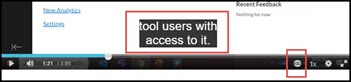
Machine-generated captions are automatically applied to all Kaltura videos and typically achieve approximately 95% accuracy. Because automated captions do not meet federal accessibility standards on their own, video owners are responsible for reviewing and editing captions to ensure they are complete, accurate, and synchronized with the audio.
For more information on editing captions, see the Kaltura (Captioning) - Editing Captions guide.
NOTE: Machine generated captions are NOT available for videos added from YouTube are not available via Kaltura. If you would like Kaltura to create captions for a video linked from YouTube, professional captions will need to be ordered. Please contact your campus Canvas administrator for information on professional captions.
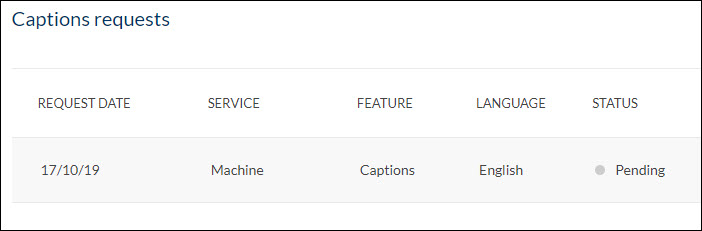
Requesting Machine Captions
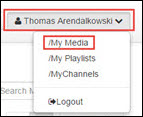
1a) In Canvas, go to Canvas > Account > My Media.1b) In Mediaspace, go to Guest > Login, then [Your Name] > My Media.
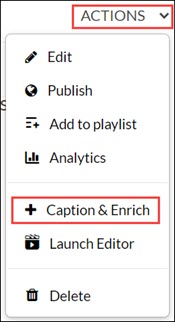
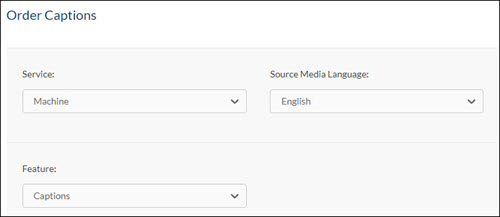
- Service: Machine
- Source Media Language: English [or other language, as needed]
- Feature: Captions.